
AI Video from Photos: up to three pictures, one 10-second video
In short
Motivia's AI video from photos (called Compose in the studio) turns up to three reference pictures into one 10-second 2K video. Give it a person, a pet, a product or a place, describe what happens, and Motivia keeps each one recognisable in the scene. It's made for personal moments, product videos and stories with real faces and places. One video costs 350 credits ($3.50). Signing up is free and gives you 105 credits; for one video you'll need a credit pack (from $5 for 500 credits) or a plan.
Examples
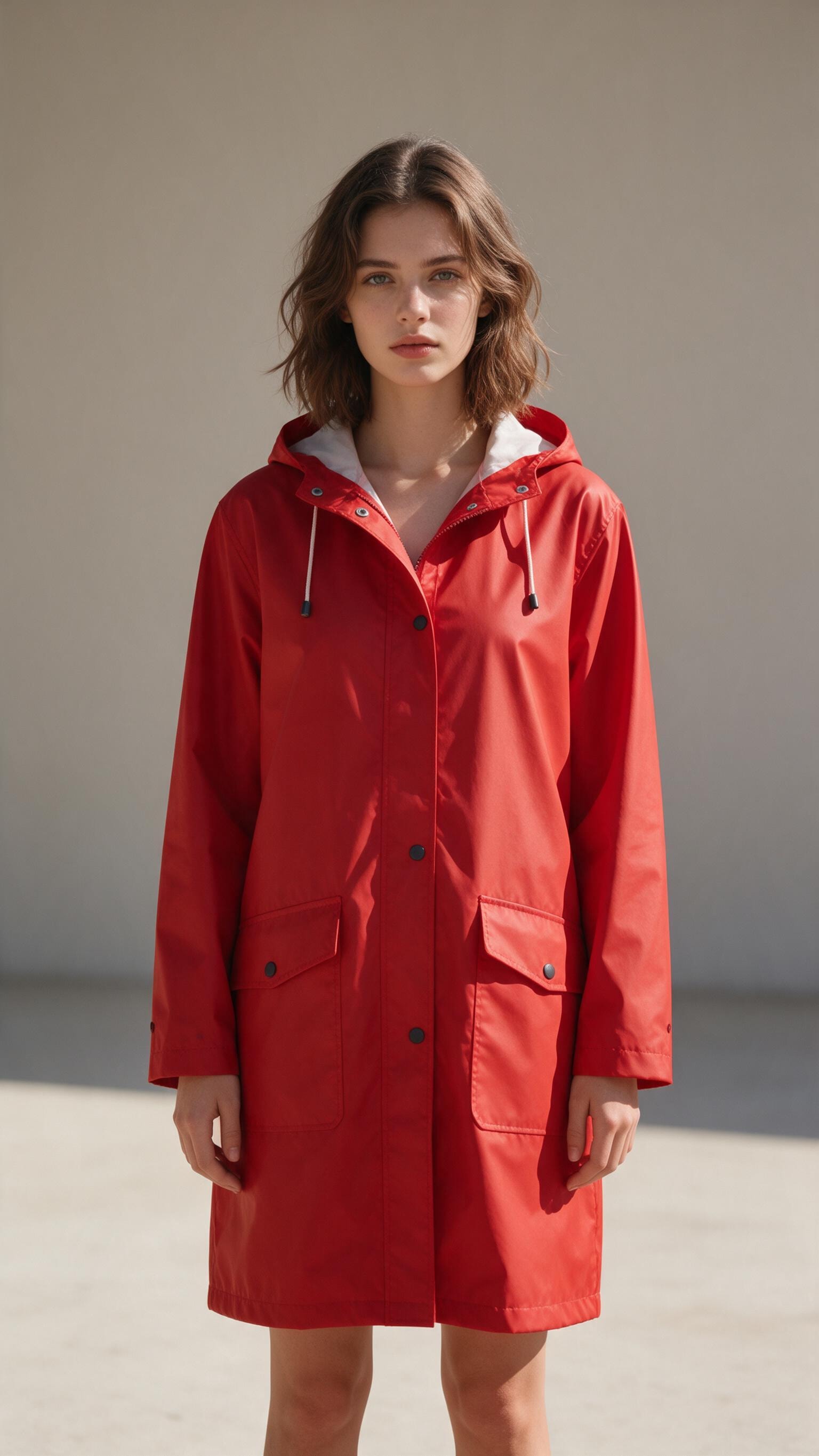
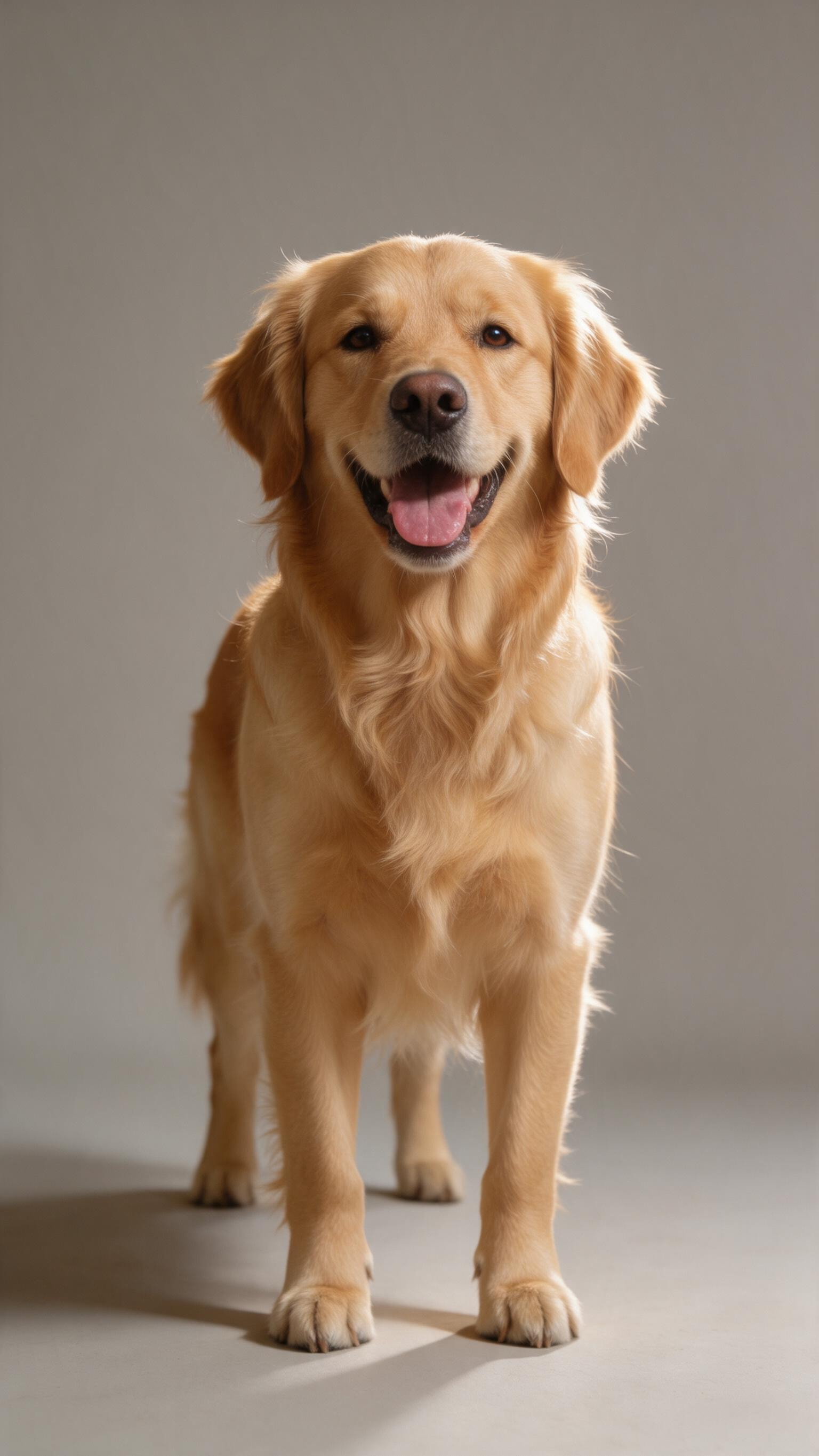
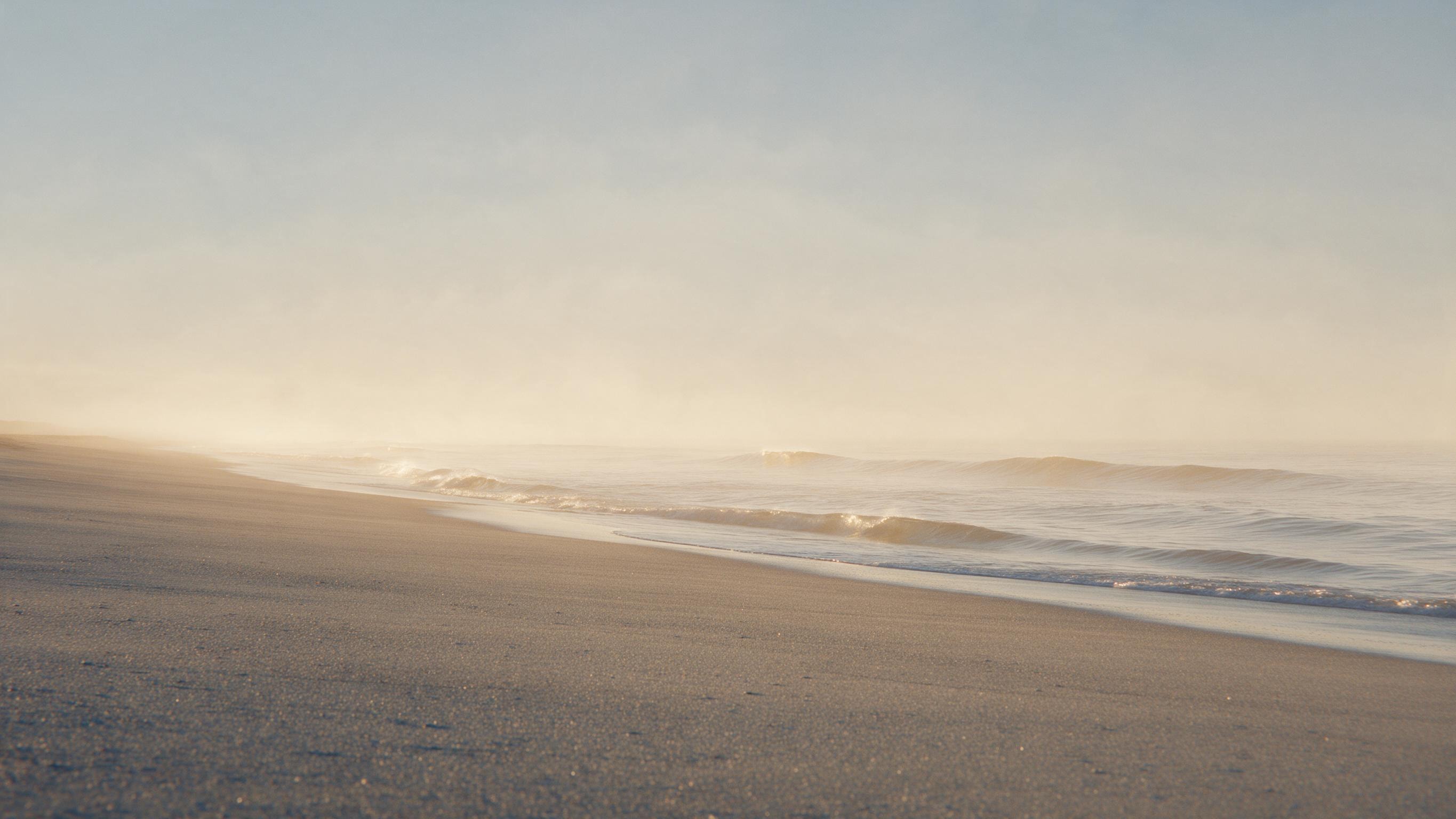
How it works
- 1
Add your pictures
Open the studio, choose Compose and add one to three photos: for example a person, a dog and a beach.
- 2
Describe the scene
Write what happens and refer to the pictures by number, for example "The woman from picture 1 runs along the beach in picture 3 with the dog from picture 2, slow motion". Up to 500 characters.
- 3
Generate the clip
Pick 16:9 or 9:16 and press Generate. The 10-second video appears in your gallery, ready to download or use in the video editor.
What you can make
Personal memories
Bring together people, pets and places that matter to you in one short scene.
Product videos
Show your product in use, held by a person or placed in a real location.
Characters in a story
Keep the same character recognisable across scenes for a series of short clips.
Social posts with real faces
Short portrait clips for Reels and TikTok starring a real photo of you (with your consent).
Travel and places
Put a person into a destination, a venue or a home for an invitation or a teaser.
Features and limits
| Feature | Detail |
|---|---|
| Price | 350 credits ($3.50) per video |
| Reference pictures | 1 to 3 (JPG, PNG or WebP, up to 10 MB each) |
| Length | 10 seconds |
| Resolution | 2K |
| Aspect ratios | 16:9 (landscape) and 9:16 (portrait) |
| File format | MP4 |
| Description length | Up to 500 characters |
| Where | In the browser and in the Motivia app (iOS, Android) |
Part of one studio
Every tool in Motivia works in the same studio and uses the same credits. Your results land in one private gallery that only you can see when you're signed in, and they stay there until you delete them. You can start on the web and continue in the Motivia app for iOS and Android, combine images, clips, music and voiceovers in the video editor, and switch between tools without new accounts or extra subscriptions. The Generate button always shows the price before anything is created.
Questions and answers
Is it free to make a video from photos?
Signing up is free and gives you 105 credits; for one video you'll need a credit pack (from $5 for 500 credits) or a plan. Credits never expire. You buy them as a one-time pack or get them every month with a plan, and every tool uses the same balance.
How many photos can I use?
Up to three per video. Each one can be a person, an animal, an object or a place.
How long is the video?
10 seconds. You can join several clips into one movie of up to 60 seconds in the video editor.
Can I use photos of other people?
Only with their permission, and never in a harmful or deceptive way. Uploads and results are checked automatically against our acceptable use policy.
Can I use the videos commercially?
Yes. You own what you create, and you can use it for personal and commercial purposes. You're responsible for making sure your use follows the law, for example trademark and personality rights when you show real people, logos or products. The details are in our policies.
Are my photos private?
Yes. Uploads and results are stored privately and are only visible to you when you're signed in. Reference uploads are deleted automatically after 7 days.
Start free and turn your photos into a video
Start free