
AI Image Editor: change any photo by describing it
In short
Motivia's AI image editor changes a photo the way you describe it: swap the background, turn summer into winter, put a jacket from one photo onto a person in another, or restyle a picture completely. Upload up to three images and write one sentence; the result keeps the shape of your photo and comes out in 2K. Each edit costs 25 credits ($0.25). Signing up is free and gives you 105 credits, enough for 4 edits.
Examples
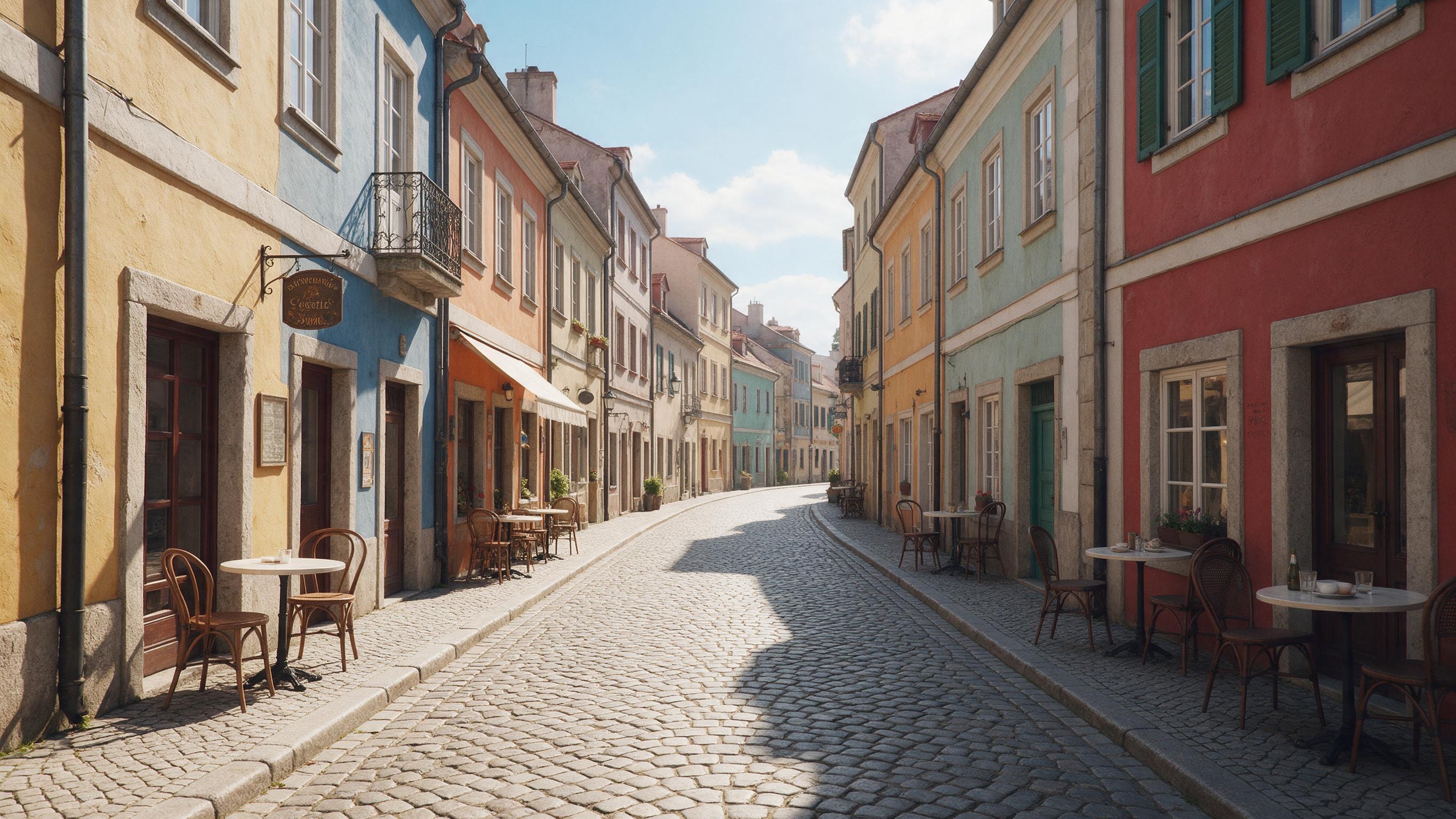
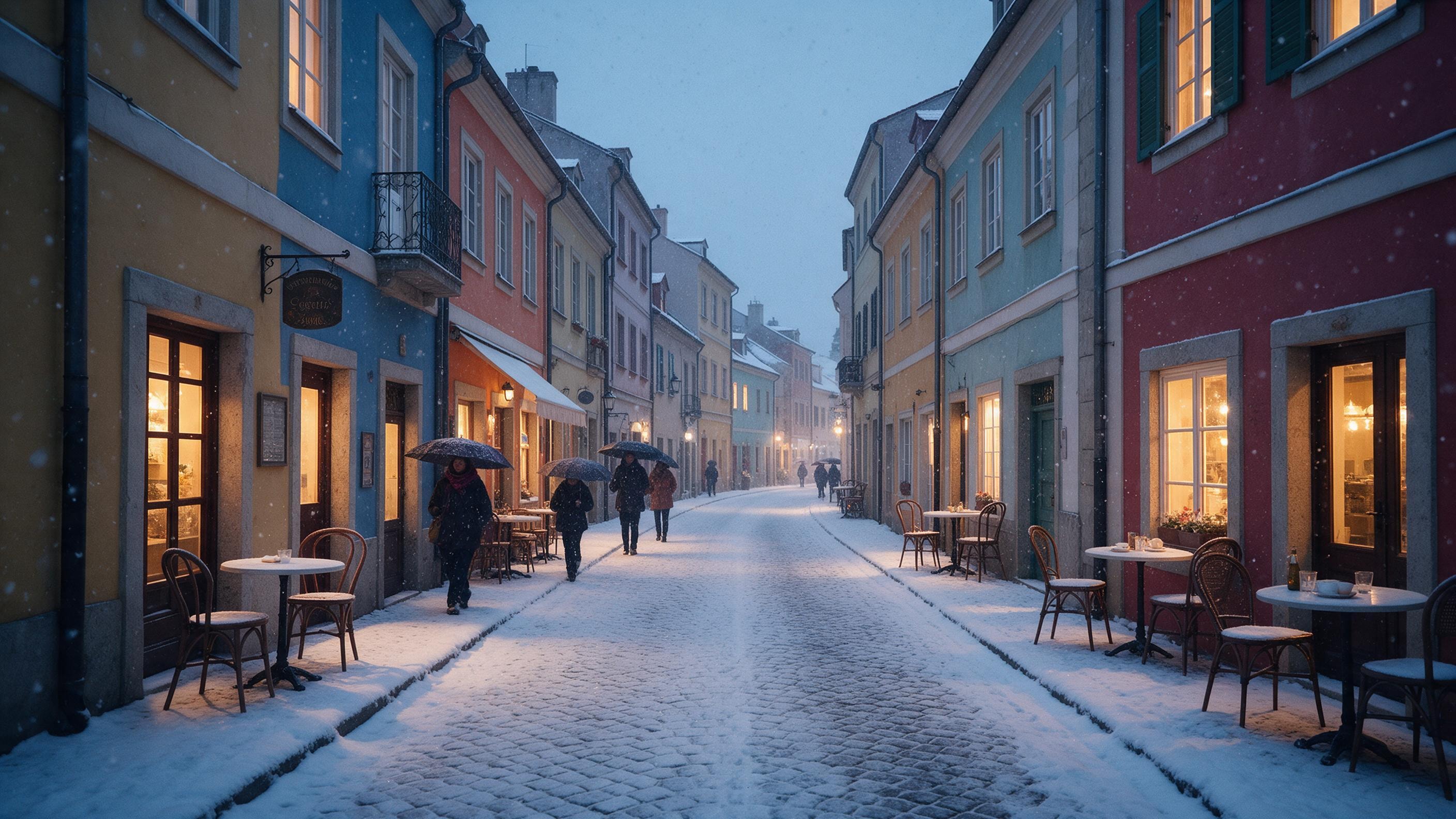
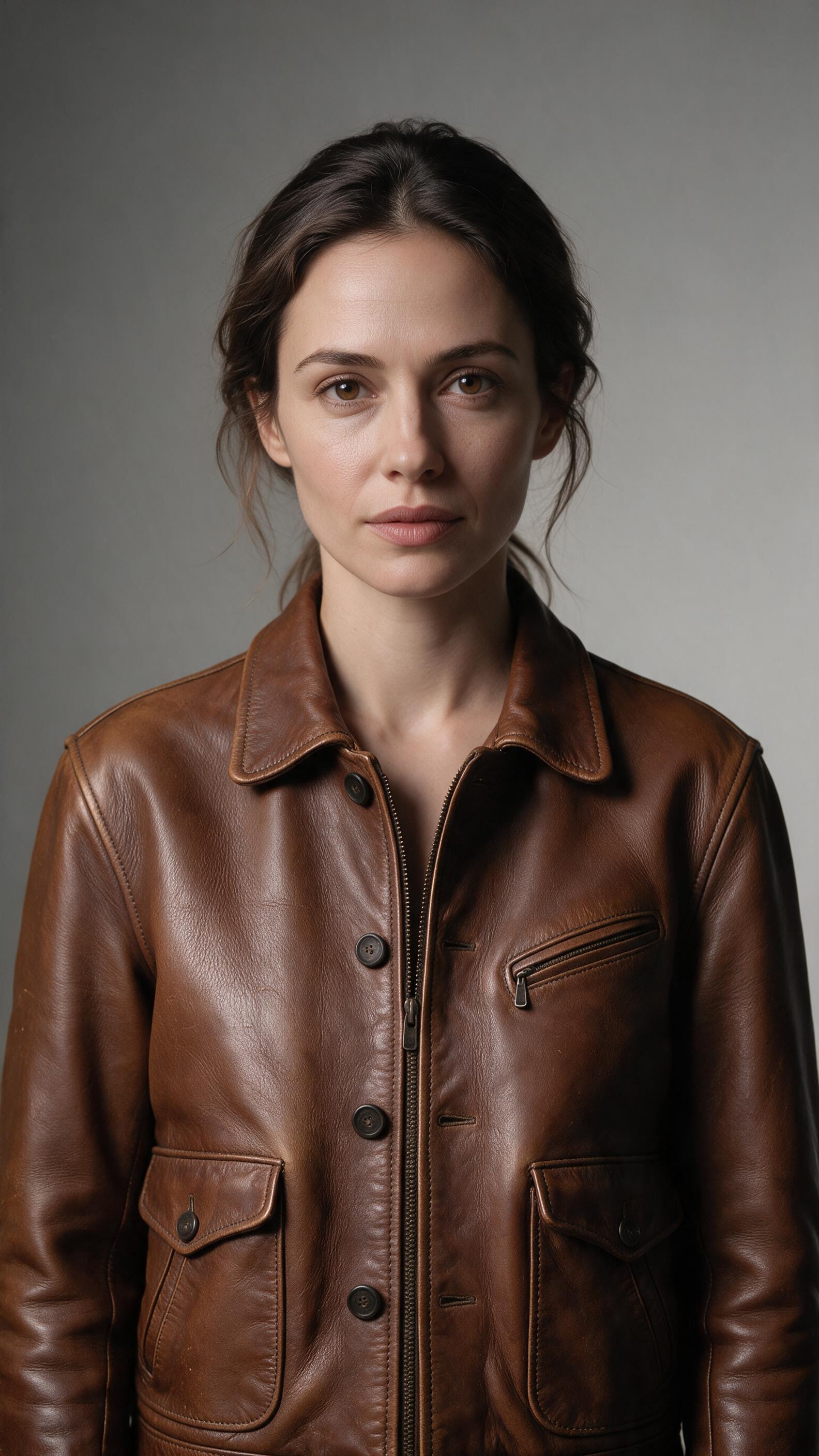
How it works
- 1
Upload your photos
Open the studio, choose Edit and add one to three images (JPG, PNG or WebP, up to 10 MB each).
- 2
Describe the change
Write what should change and what should stay, for example "Turn this into a snowy winter evening, warm lights in the windows" or "Dress the woman from image 1 in the jacket from image 2".
- 3
Generate and compare
Press Generate. The edited image appears in your gallery next to the original, ready to download or edit again.
What you can make
New backgrounds
Place a product or a person in a different setting without cutting anything out by hand.
Seasons and moods
Turn a street, a house or a landscape into winter, night, rain or golden hour.
Outfits and props
Combine images: put clothing, accessories or objects from one photo into another.
Restyling
Turn a photo into a painting, a sketch or a poster style while keeping the composition.
Quick fixes for social posts
Change colors, add seasonal details or adapt one picture into several variations for a campaign.
Features and limits
| Feature | Detail |
|---|---|
| Price | 25 credits ($0.25) per edit |
| Input images | 1 to 3 (JPG, PNG or WebP, up to 10 MB each, scaled to 2,048 px) |
| Output | 2K JPG in the shape of your input image |
| Instruction length | Up to 1,000 characters |
| Prompt enhancement | Off, Enhance or Enhance+ |
| Where | In the browser and in the Motivia app (iOS, Android) |
Part of one studio
Every tool in Motivia works in the same studio and uses the same credits. Your results land in one private gallery that only you can see when you're signed in, and they stay there until you delete them. You can start on the web and continue in the Motivia app for iOS and Android, combine images, clips, music and voiceovers in the video editor, and switch between tools without new accounts or extra subscriptions. The Generate button always shows the price before anything is created.
Questions and answers
Is the AI image editor free?
Signing up is free and gives you 105 credits, enough for 4 edits. Credits never expire. You buy them as a one-time pack or get them every month with a plan, and every tool uses the same balance.
Can I use the edited images commercially?
Yes. You own what you create, and you can use it for personal and commercial purposes. You're responsible for making sure your use follows the law, for example trademark and personality rights when you show real people, logos or products. The details are in our policies.
How many photos can I combine?
Up to three in one edit. Refer to them in your instruction as image 1, image 2 and image 3, in the order you added them.
Does it keep my photo's size and shape?
Yes. The result follows the shape of your input image and comes out in 2K, so a portrait photo stays portrait.
Are my uploaded photos private?
Yes. Uploads and results are stored privately and are only visible to you when you're signed in. Reference uploads are deleted automatically after 7 days; results stay until you delete them.
Can I edit photos of real people?
Only photos you have the right to use, and never in a harmful or deceptive way. Uploads and results are checked automatically against our acceptable use policy.
Start free and edit your first photo
Start free